
15 August 2022
How to be well seated while on the computer
Find in this article tips for sitting well, find the seat of your dreams and learn more!
How to spend hours working without pain
Every day we spend hours working on our chairs, whether in the office or at home. Unfortunately, our bodies cannot work on computers for long periods of time, which can eventually lead to back and neck pain. To avoid these health problems, good sitting posture is essential. But what is it, you ask us? In this article, we share our tips for improving your sitting posture and our practical exercises that will help you stretch in minutes.
What is the correct sitting position for an office chair?
The first step in ergonomic work is to adjust your office chair to create an ergonomic sitting position. We explain how to do it:
- Adjust the seat height so that your thighs are level.
- Adjust the depth of the seat so that you can place your clenched fist between the crease of your knee and the front of the seat.
- Adjust the backrest so that your back is well supported. The lumbar support (the rounded part of the bottom of the backrest) should fit snugly into the depression in the backrest.
- Put your fingers on your collarbone and lower your arms. Now adjust the armrest so that it touches your elbow.
- Adjust the height of the desk according to the height of the armrests.
- Make sure your screen is at eye level and can be seen from the front.
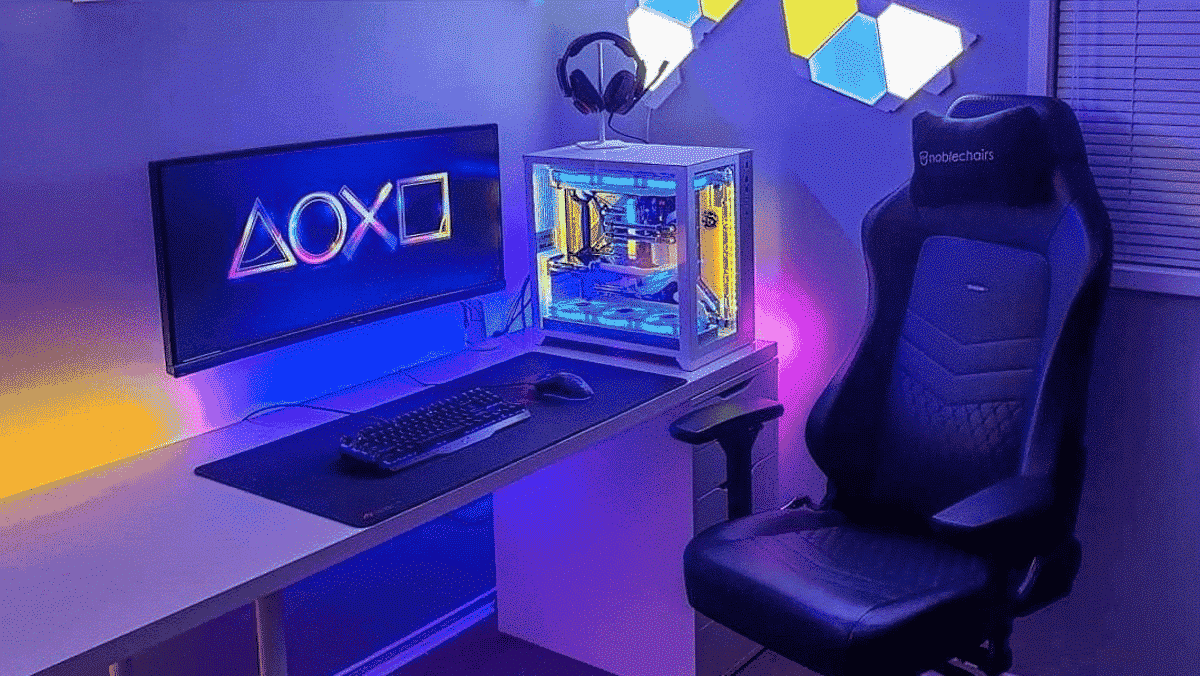
In addition, on the gaming side, there are many specialized chairs for long gaming sessions, many choices that come to wonder if gaming chairs would not be better than ergonomic office chairs.
For this, we have tried to find a top 5 of the best gaming chairs, to help you in your possible chair search!
1 – Logitech Herman Miller
2 – Autonomous ErgoChair Pro
3 – Secretlab Titan Evo 2022
4 – Maxnomic Leader Executive Edition
5 – DXRacer King